Create Database
You can create PostGIS databases via your QWC2 control panel.
You can create emtpy PostGIS databases or databases from GeoPackages, Shapefiles, or PostgreSQL Dump Files.
Below, we’ll create a new, empty PostGIS database.
Go to PostGIS
On the PostGIS Menu, click the Import tab
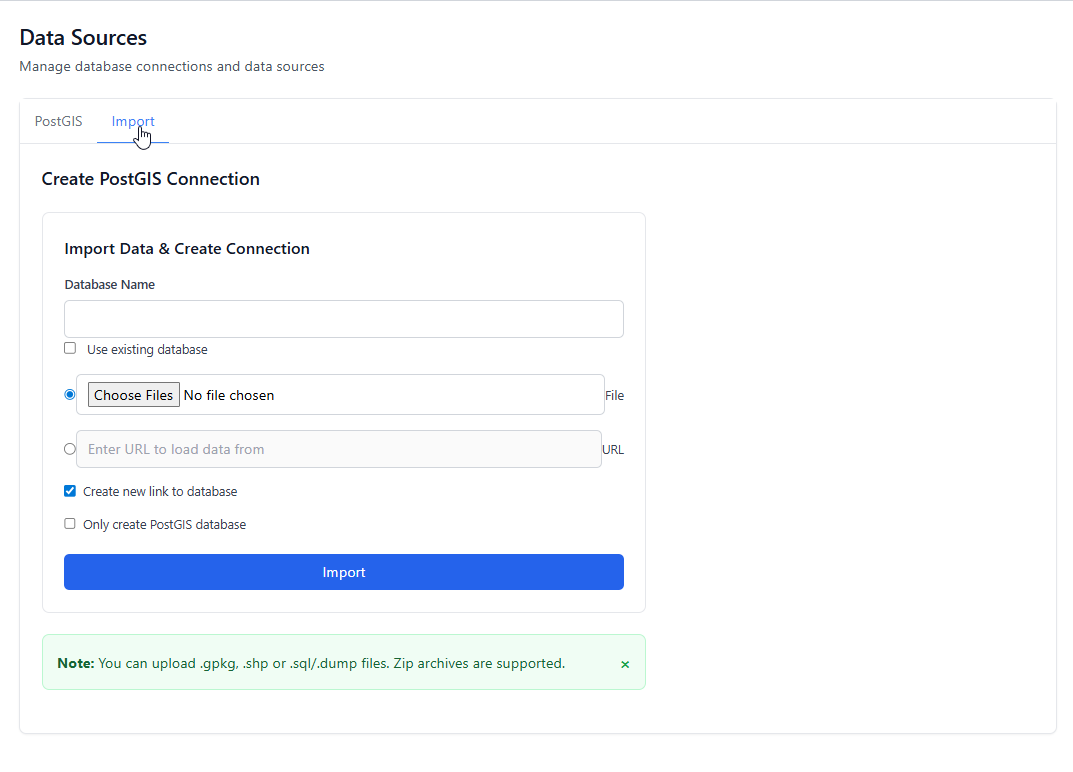
Check the “Only create PostGIS database” checkbox
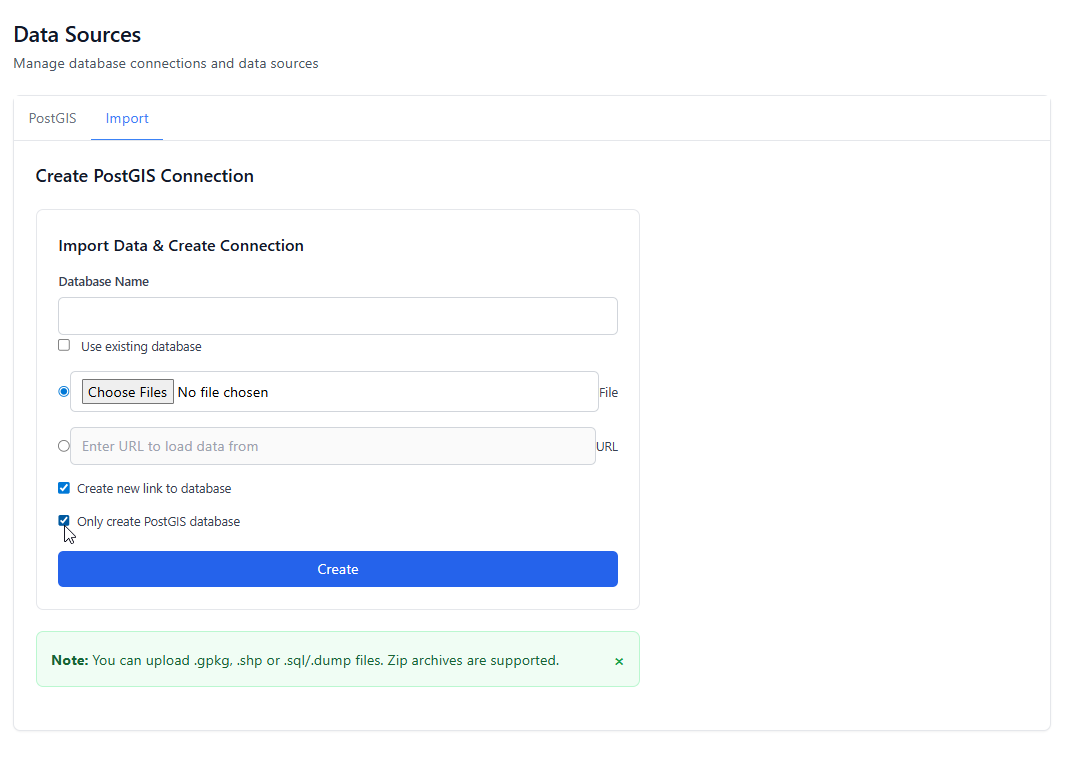
Enter the name of your new database.
Set your map layer(s) to use your new Data Source
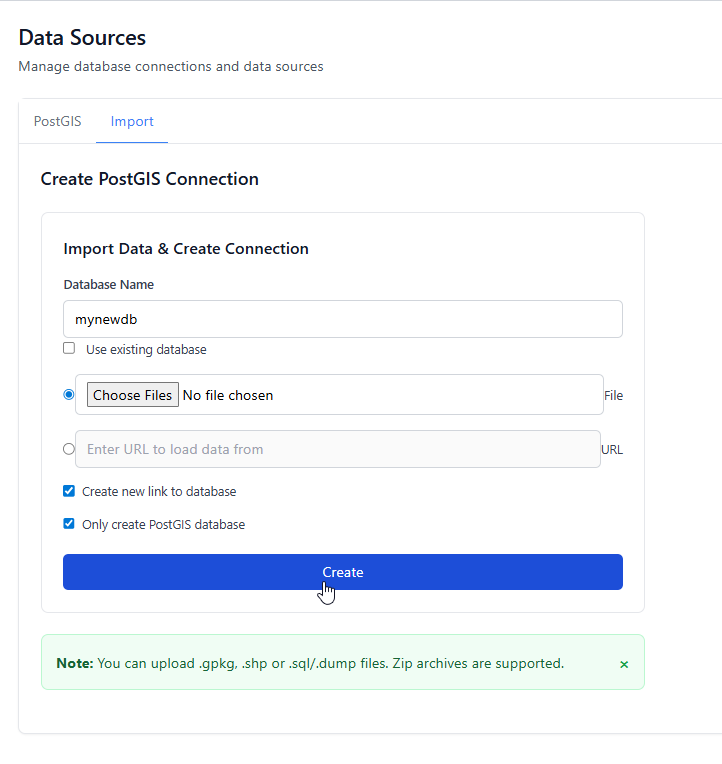
Click Create
You can retrieve the database connection information at any time by clicking the Connection link.