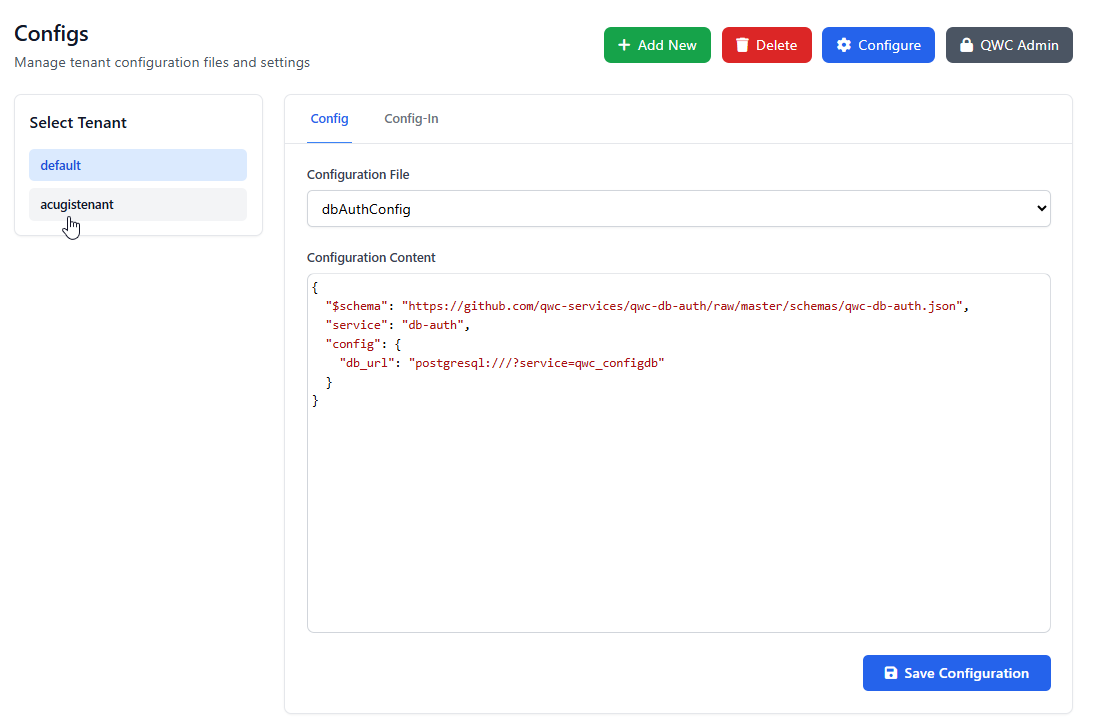
Tenants
Your QWC2 Hosting is multi Tenant.
You can create an unlimited number of Tenants.
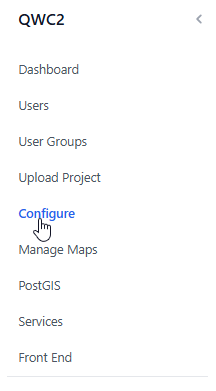
To create a new Tenant, go to Configs on the left menu
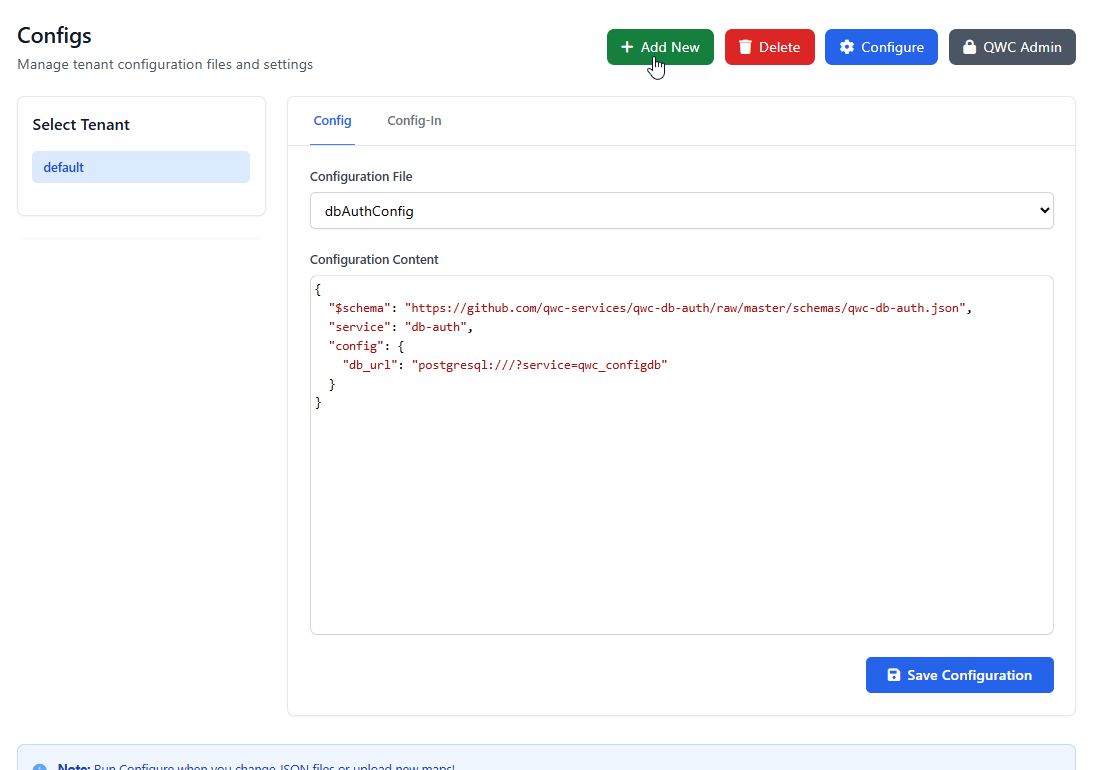
Click the Add New button as shown below
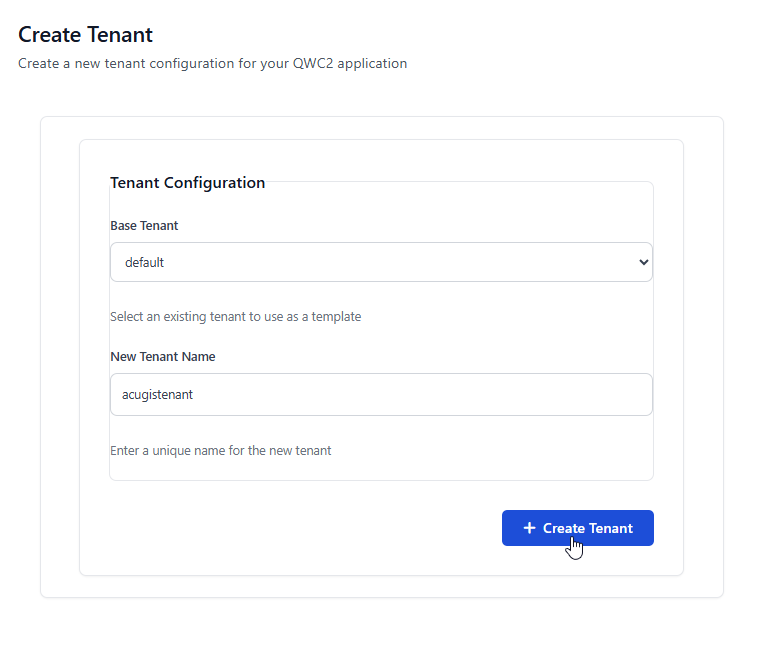
Select a Base Tenant to use. The Base Tenant is the Tenant that new Tenant will be copied from.
Warning
It is strongly recommended to use Default as Base Tenant as it contains no projects.
Give your new Tenant and Name and click Create New Tenant
Your new Tenant has now been created