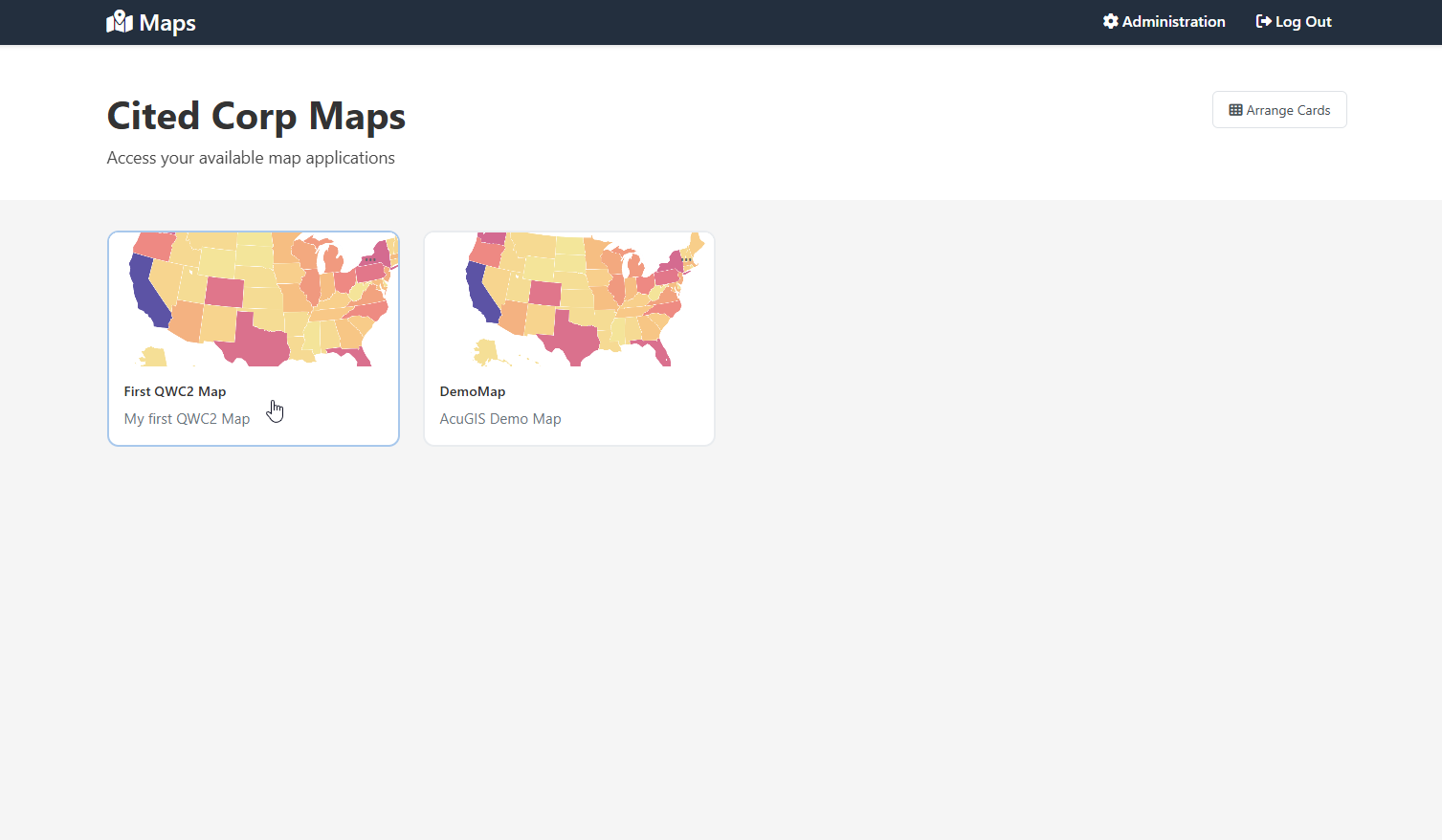
Front End
The Front End is what End Users see when they log into your map portal.
They will see only those maps that they have access to.
Similarly, there is no link (or access) to the Administration section.
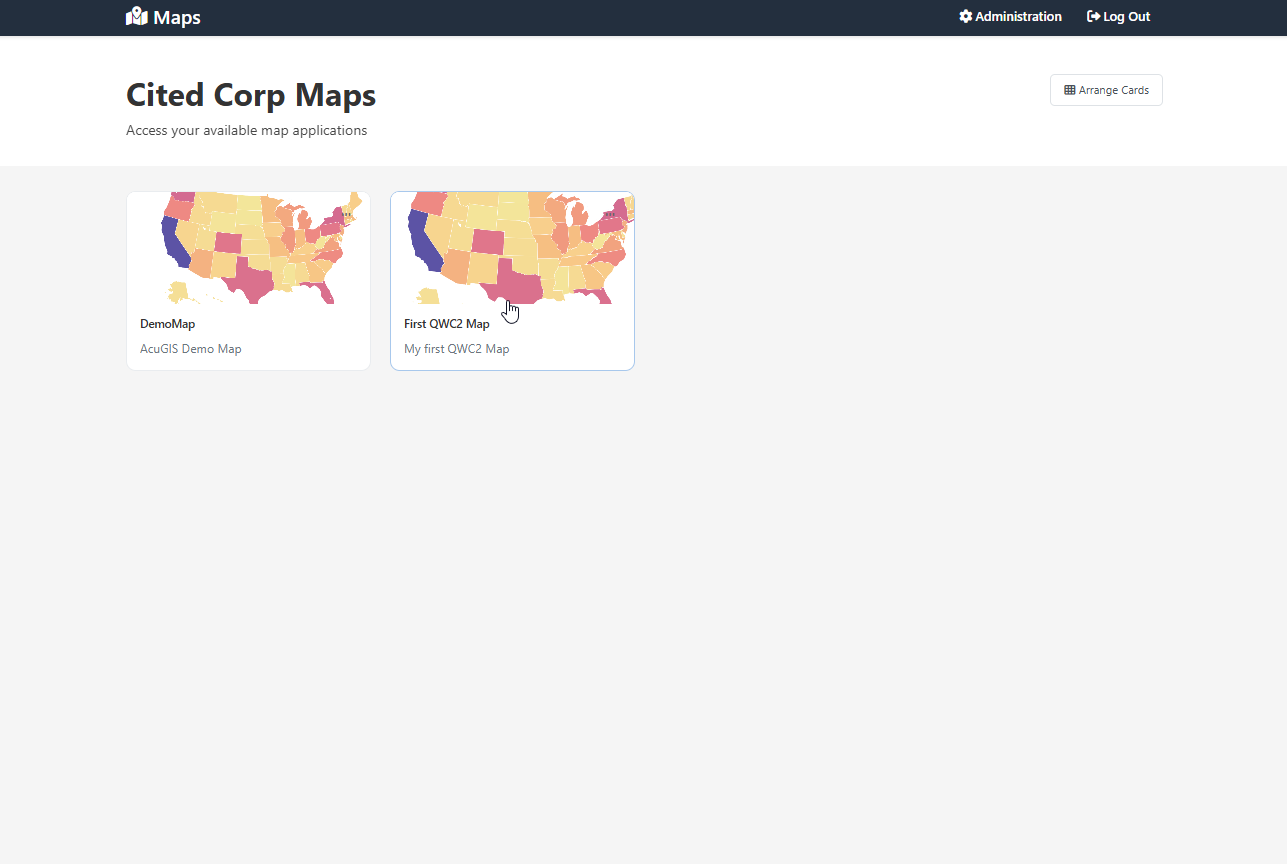
Arranging Map Cards
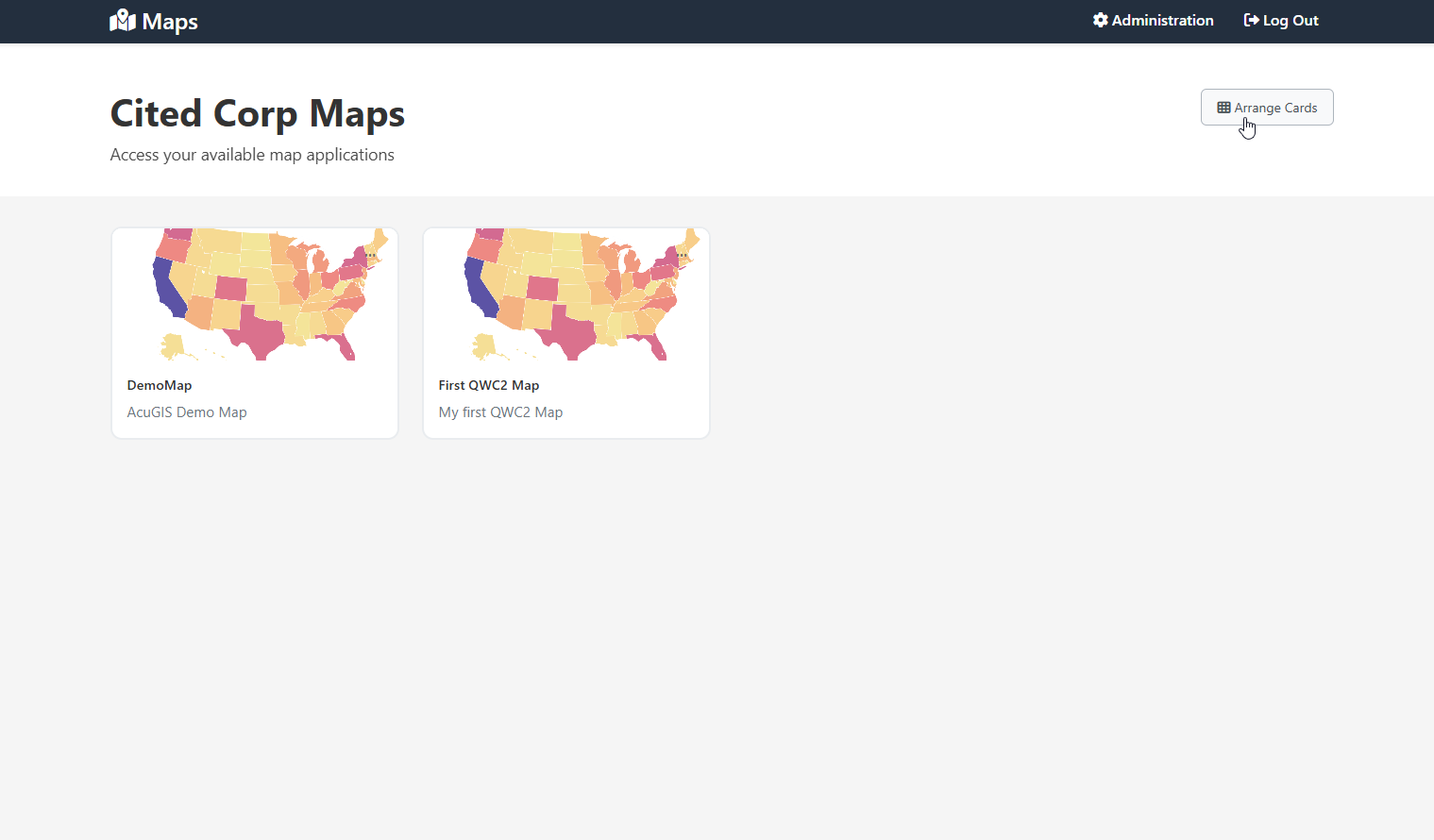
You can arrange how Map cards/links are displayed using the Arrange Cards button at top.
Click the Arrange Cards button to activate
Drag cards into desired order
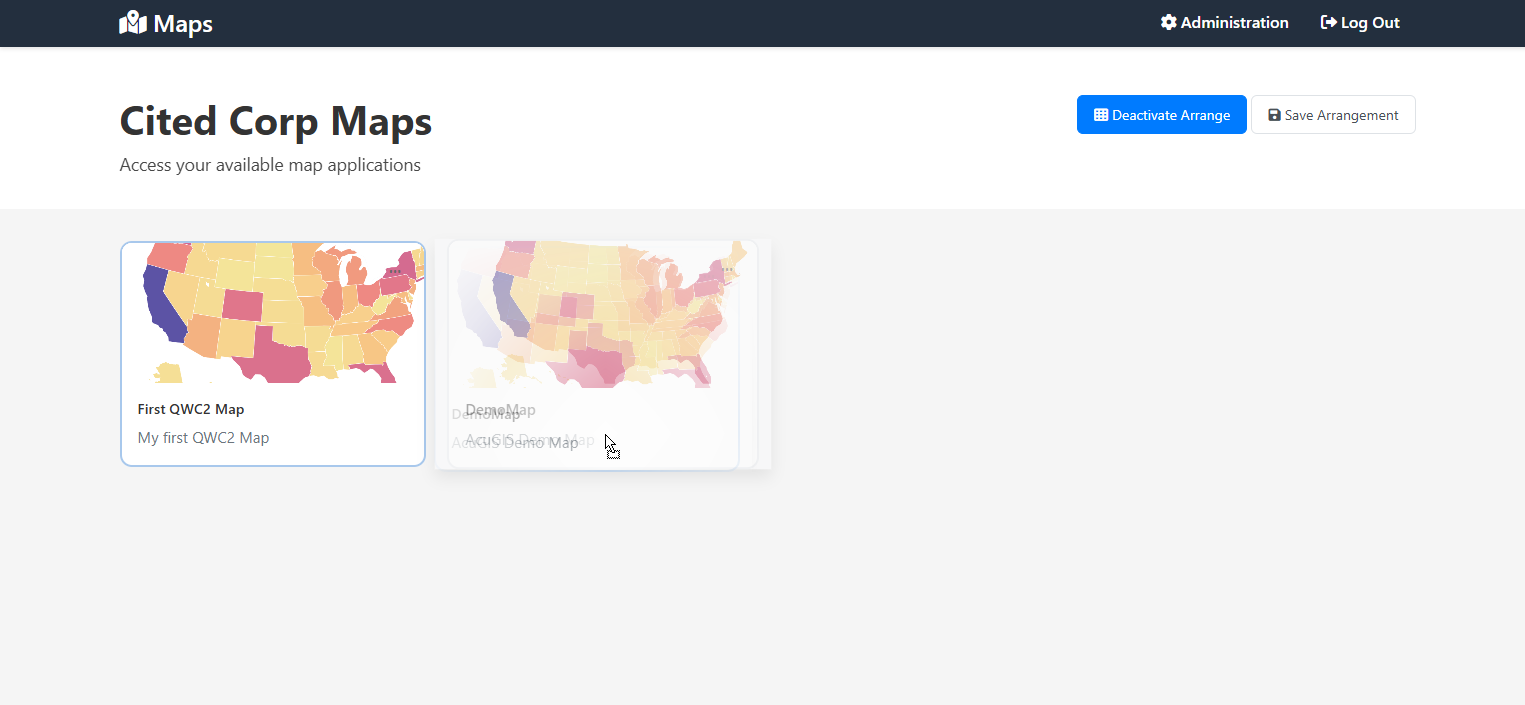
Click Deactivate to save current positions.
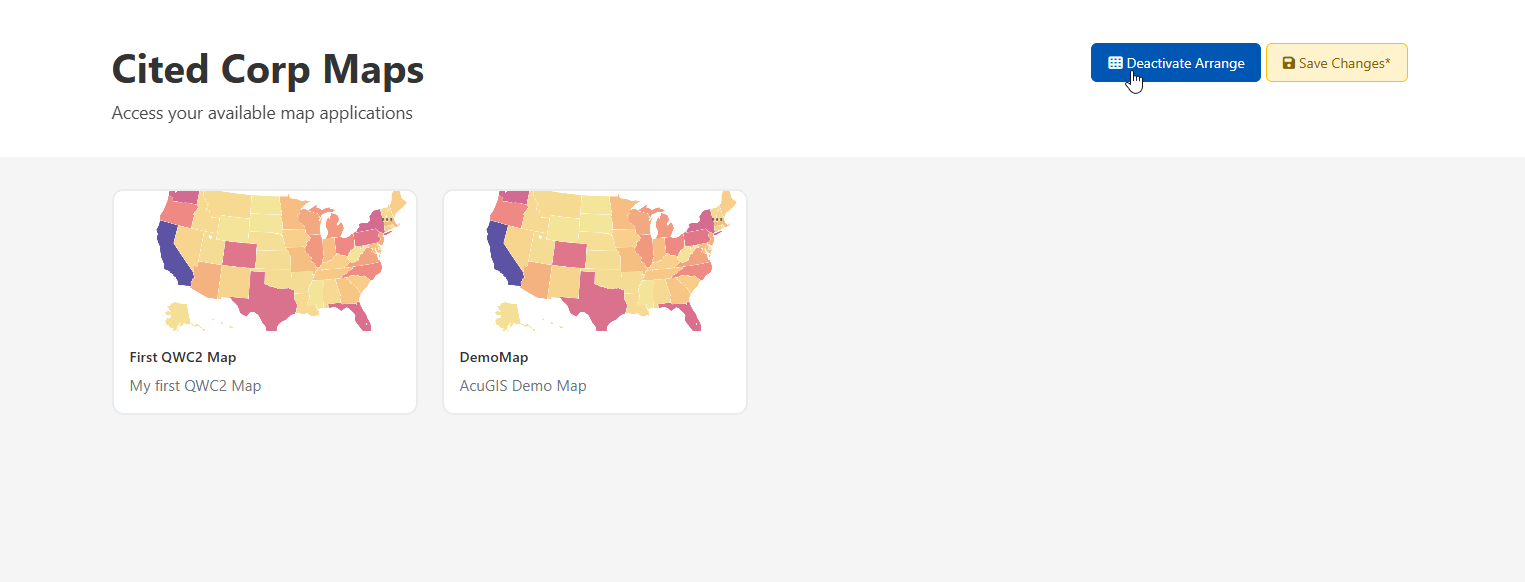
Your cards are now saved in the desired order